A useful product-motion plan has to name what may move and what must stay recognizable. This example works from DreamForge’s existing cream-mug concept artwork and produces an actual image-to-video motion brief. It also separates a whole-product view, a detail and an ending into three jobs you can plan independently.
The text below was produced on November 6, 2026 by running the same planning functions used by the Prompt Generator. No image was passed to that run, no video service was called, and no product-accuracy result is claimed. The artwork is an AI-generated illustration, not a photograph or evidence of a physical product.
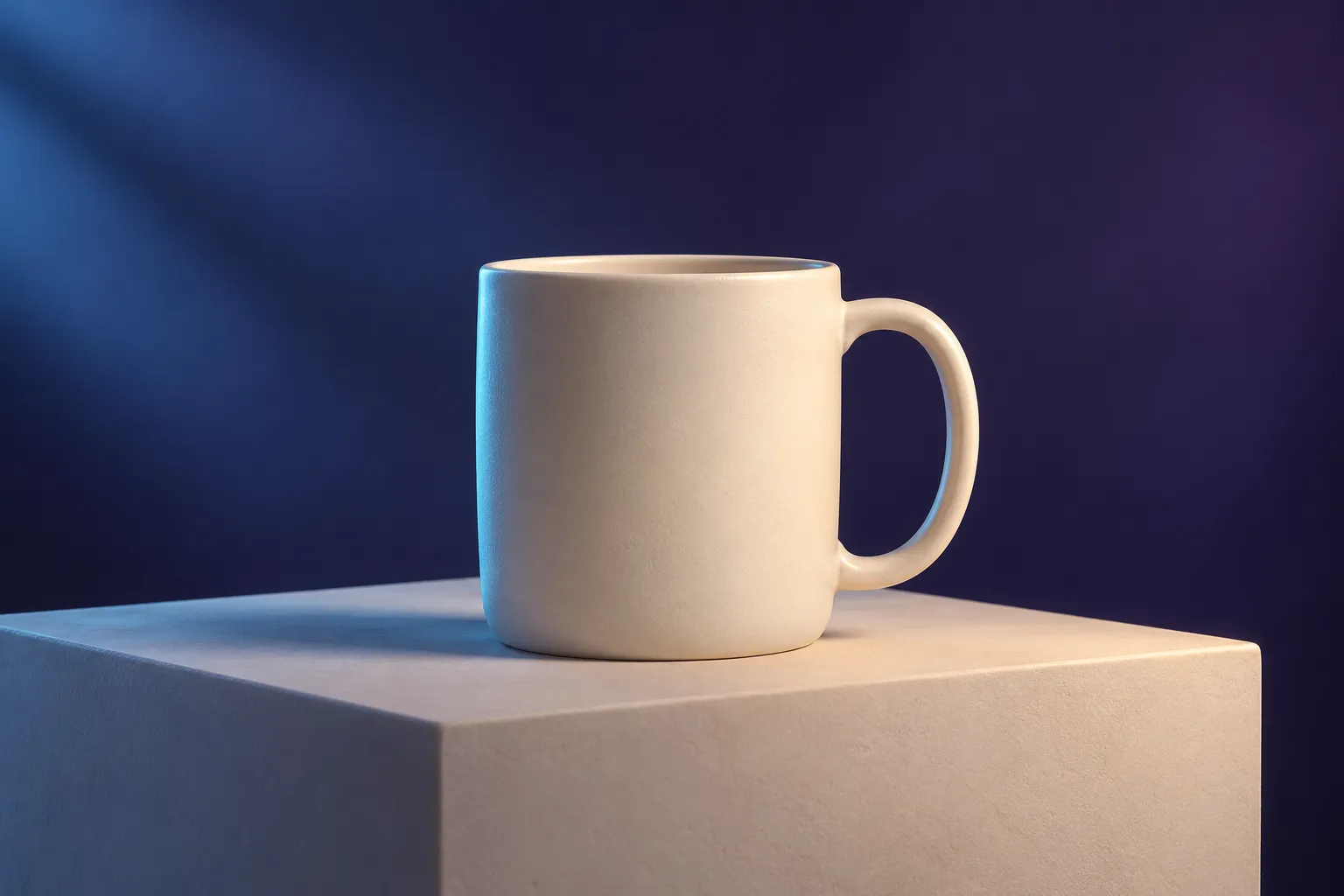
Read the reference before writing movement
In the illustration, the whole mug and its handle are visible. That makes a gentle approach a workable planning choice: the brief can require the complete silhouette to remain in frame. A fast orbit would ask for views that this image does not document. For a real product, use your own authorized photographs and compare any newly revealed geometry with a real reference.
Runway’s image-to-video guide, checked November 6, 2026, assigns the initial scene’s appearance to the image and emphasizes movement in the accompanying text. This example applies that distinction. Choosing Runway in DreamForge changes its guidance notes; it does not connect to Runway or select a rendering model.
Give three shots different jobs
| Planned shot | What must be visible | Movement to investigate | Reference preparation |
|---|---|---|---|
| Overview | Complete mug, handle attachment and surrounding space | Slow camera approach | Use a whole-product reference with room around the edges. |
| Detail | Rim and the particular surface detail being discussed | Small move across a visible detail | Prepare a separate clear close reference; a prompt cannot document a missing detail. |
| Ending | Complete recognizable product and room for a caption | Restrained pullback or a held composition | Leave intentional caption space; add exact wording in the editor. |
These are editorial assignments, not three generated clips. The actual executed run below covers the overview. The storyboard guide provides a separate complete three-shot text-plan run and native export files.
Reproduce the overview in DreamForge
Open the free generator, choose Image-to-video, and select Runway as the prompt target. You can leave the reference preview empty: DreamForge organizes your written directions and does not analyze images. Use these exact values:
| Field | Value |
|---|---|
| Motion description | Keep the mug still as the view moves closer. |
| Camera direction | Slow dolly in |
| Details to keep steady | Keep the mug’s silhouette, handle attachment, and plain surface consistent. |
| Final frame direction | End with the whole mug inside the frame and room on the right for an added caption. |
| Framing suggestion | 16:9 — landscape |
| Duration suggestion | 5 seconds |
Leave additional movement fields blank and motion amount/pace at Keep my instructions. The preservation and ending fields live inside the optional ending section. The full input record contains the literal field values behind the named choices.
The actual motion prompt
Keep the mug still as the view moves closer. A slow, steady dolly moves toward the subject. Keep the mug's silhouette, handle attachment, and plain surface consistent. End with the whole mug inside the frame and room on the right for an added caption.The first sentence supplies the motion intent. The camera sentence names the approach; the preservation sentence states what to inspect; the ending sentence gives the shot a stopping condition. The tool has not determined that the handle will remain attached. It has preserved that requirement in the brief.
The settings sheet separately records 16:9 — landscape, 5 seconds, and Image-to-video motion planning. Neither ratio nor duration appears in the prompt paragraph. Five seconds is a draft timing suggestion; check the selected provider’s controls rather than treating this export as a submitted job.
Download the actual TXT export to see the prompt, structure, settings and review checklist together. Download the output JSON for a field-by-field record. Neither file contains an image, generation credits or a rendered clip, and the website does not import the JSON.
What we checked, and what remains a production decision
The executed result begins with a Motion intent section, includes the requested camera/preservation/ending text, and keeps framing and timing in its settings sheet. Those are observable properties of a planning output. They do not establish motion quality, product accuracy, label preservation or advertising performance.
Before using a real clip, inspect the handle joins, outline, rim and surface throughout playback. Reject a new feature your actual product does not have. For the detail shot, make sure the requested surface is visible in the supplied reference. For the ending, add price and brand wording in the editor and check the exported file at its intended crop.
Record an observation that points to a decision: “The handle leaves the frame during the approach” calls for more reference space or a smaller move. “The caption area is too narrow” calls for a different ending composition. These are suggested review entries, not failures observed in this text-only run. The free workflow checklist provides a place to record the result when you actually render it.